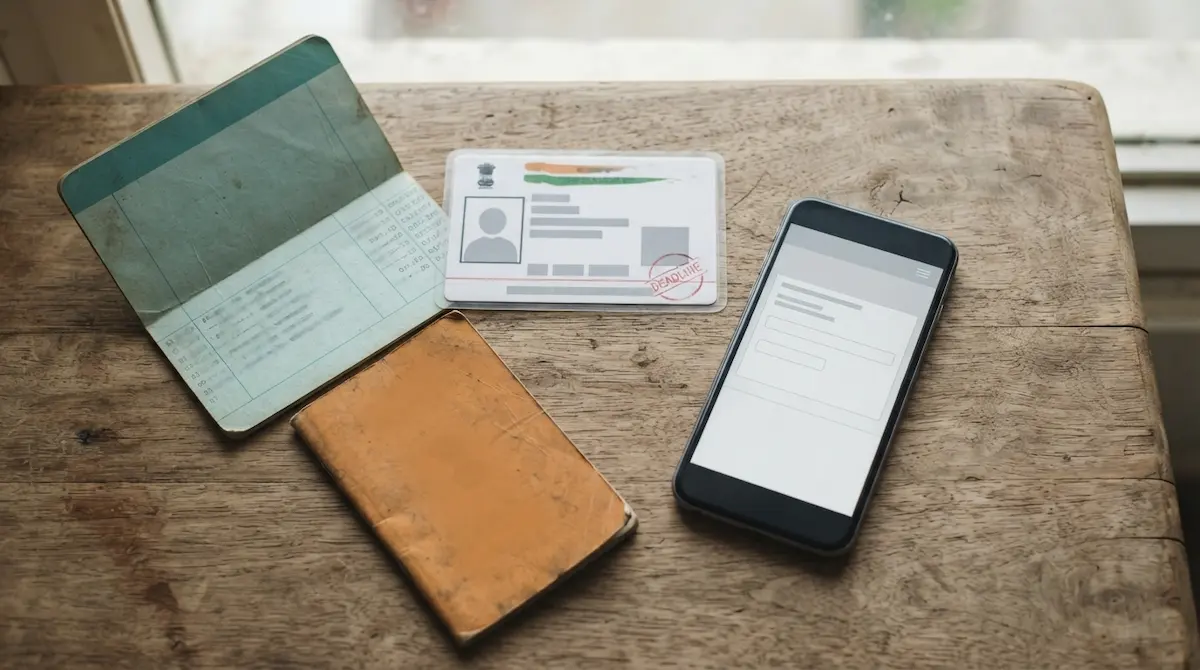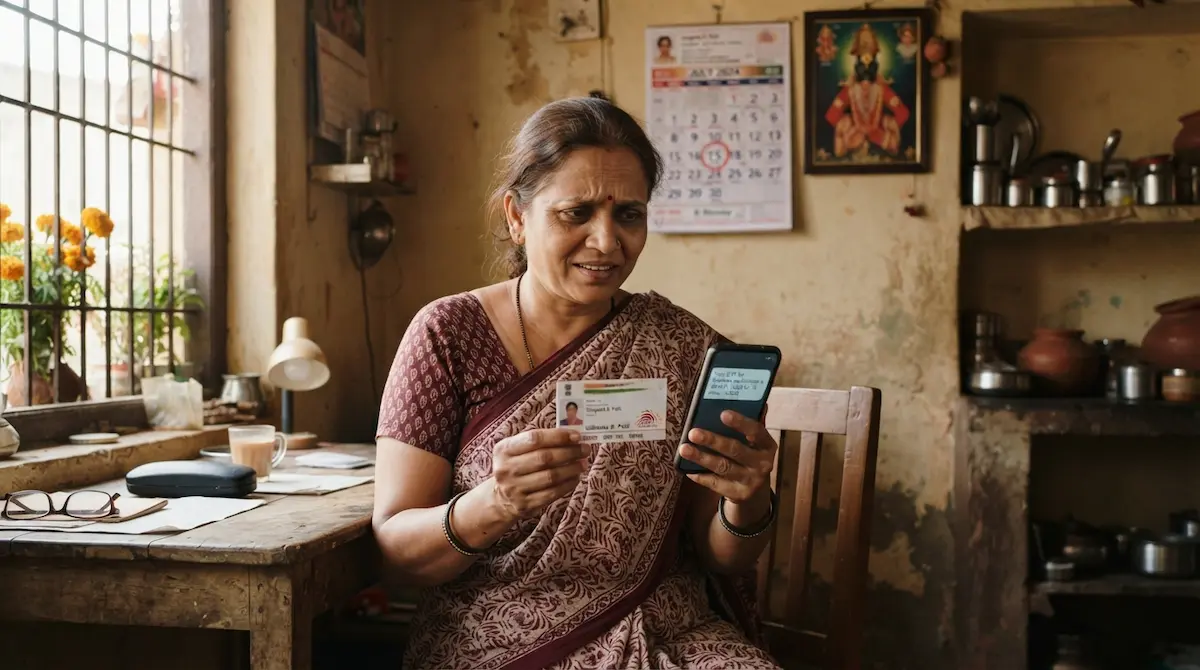
The annual eKYC window for Mukhyamantri Majhi Ladki Bahin Yojana closes on 15 July 2026. Miss it, and your ₹1,500 monthly Direct Benefit Transfer pauses under the Women & Child Development (WCD) Department’s annual auditing rules. If you’re reading this on the last day and something isn’t working, here’s exactly what to do — sorted by the problem you’re facing.
First, confirm you actually need eKYC
Log in at ladakibahin.maharashtra.gov.in, open the eKYC section, and enter your Aadhaar number. If you see “eKYC already completed,” you’re safe — no action needed. Only proceed below if the portal shows a pending status or throws an error.
Fix 1: OTP not arriving
This is the most common last-day panic, and the cause is almost always the same — your mobile number is no longer linked to your Aadhaar. The OTP is sent to the number registered with UIDAI, not the one you type on the portal.
You cannot fix this from home on the deadline. Instead:
- Go to your nearest Maha e-Seva Kendra or Aadhaar Seva Kendra with your Aadhaar card.
- Ask them to update your mobile number in Aadhaar (biometric verification is done on the spot).
- Once the number is active, retry the OTP-based eKYC on the portal.
If the update can’t be completed before the cutoff, don’t wait silently — go straight to Fix 4.
Fix 2: “This Aadhaar number is not in the list”
If the screen shows “हा आधार क्रमांक मुख्यमंत्री माझी लाडकी बहिण योजनेच्या यादीत नाही” (this Aadhaar is not in the beneficiary list), it means one of three things: your application was never fully processed, it was rejected, or your name was removed during the earlier cleanup.
This is not something OTP can solve. Take your Aadhaar and application reference number to your Anganwadi Sevika or Setu Suvidha Kendra. They can check your exact status on their official login and tell you whether re-activation or a fresh grievance is required.
The 24-lakh “government employee” trap
A confusingly worded Marathi question during eKYC — “Tumchya gharatle koni sarkari nokrit nahi na?” — was misread by over 24 lakh women who ticked the wrong option. Nearly 20 lakh were later confirmed eligible. If this happened to you, log in during the open window, correct that answer, and re-complete Aadhaar authentication.
Fix 3: Name mismatch rejection
If your Aadhaar name and bank passbook name differ — “Savita R. Patil” versus “Savita Rahul Patil” — the automated system may reject verification. Visit your Anganwadi Sevika; officials have a correction module in their login that can override minor spelling differences through the Nari Shakti Doot process.
Fix 4: Nothing is working and it’s the last day
If the portal is down, OTP won’t come, or you have no internet access, do not assume you’ve lost the benefit. Go in person to any of these before end of day:
- Anganwadi Sevika (your local center)
- Setu Suvidha Kendra
- Gram Panchayat office or Common Service Centre (CSC)
They can complete or record your eKYC on an official terminal. Physical assistance is free — no agent can charge you for it.
Protect yourself from fraud on deadline day
Scammers exploit exactly this panic. Keep these rules firm:
- Use only ladakibahin.maharashtra.gov.in — never a link from SMS or social media.
- Never share your Aadhaar OTP with a caller claiming to “fix” your eKYC.
- No one can demand a fee. Report fraud to 1930 and use scheme helpline 181 for genuine support in Marathi, Hindi, or English.
Bottom line
The deadline is real, but nearly every last-minute failure — dead OTP, “record not found,” name mismatch — has an offline fix through the same-day officials who serve your area. If online won’t work, walk in. Completing eKYC keeps your ₹1,500 flowing without a break.