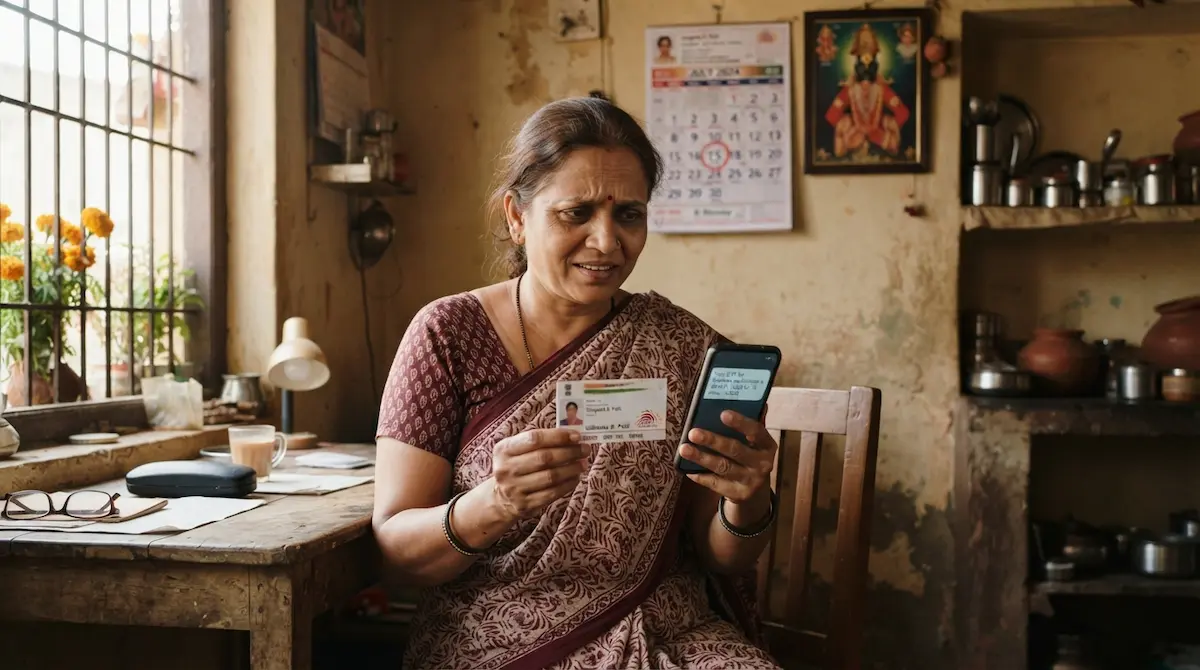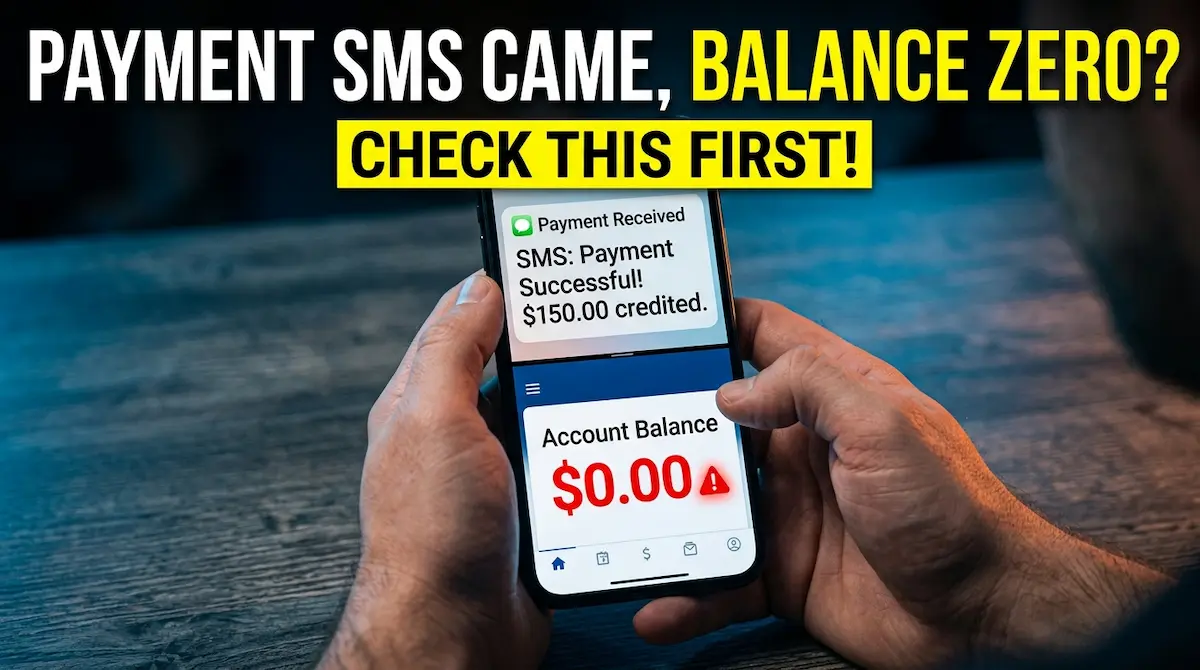
If you received a Ladki Bahin payment SMS but your bank balance is still zero, do not assume the money is lost. In many cases, the message reaches the beneficiary before the amount becomes visible in the account. The first step is to confirm whether the SMS is from your bank, the official scheme system, or an unofficial sender.
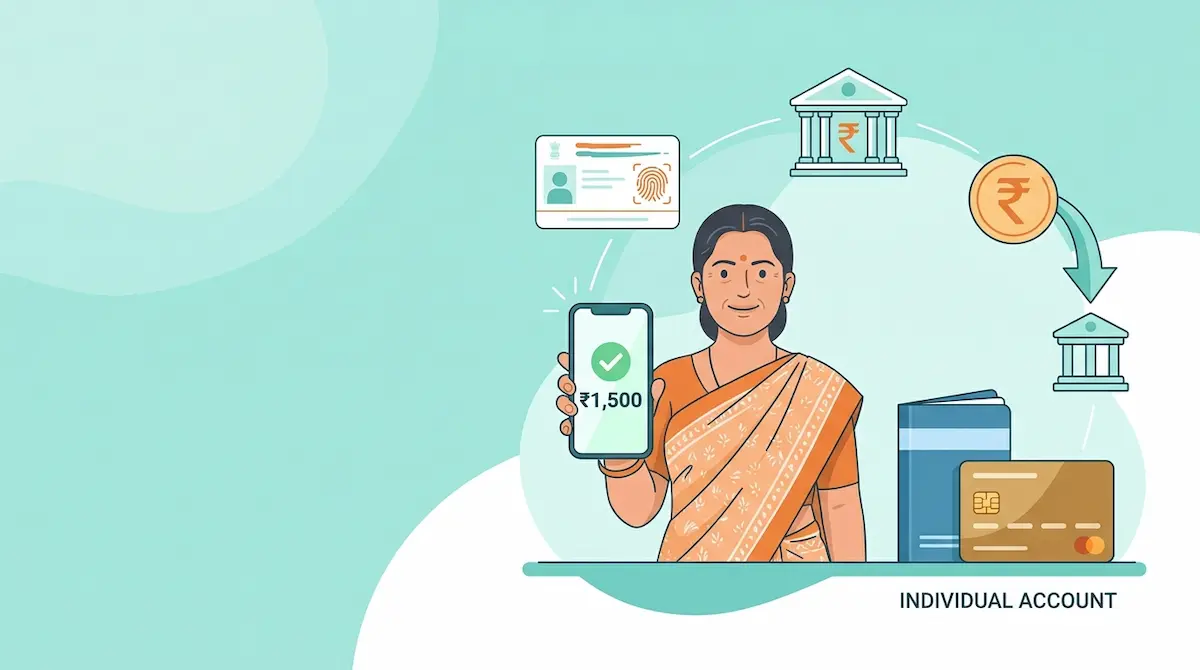
The Mukhyamantri Majhi Ladki Bahin Yojana provides monthly financial support through Direct Benefit Transfer, so the final credit depends on your bank account, Aadhaar seeding, NPCI mapping, and transaction settlement status.
Why You Got the SMS but No Money Shows
A payment SMS can mean different things. Some messages confirm that the government has processed the installment. Others confirm that the bank has credited the amount. These are not the same.
If the message says the payment has been “processed,” “sent,” or “released,” the amount may still take time to appear in your account. If the message is from your bank and says “credited,” then you should check the correct account statement, not only the balance shown on one app.
Check the Correct Bank Account First
Many beneficiaries check the wrong account after receiving the SMS. Ladki Bahin payments are usually routed through the Aadhaar-linked DBT account. This may not be the same account you use daily.
What to check
Open the passbook, mobile banking app, or mini statement for every bank account linked to your Aadhaar. Look for entries like DBT, government credit, benefit transfer, Ladki Bahin, or Maharashtra government payment.
If you recently changed your bank account, the installment may still go to the bank account currently active in the NPCI mapper.
Aadhaar Linked and NPCI Mapped Are Different
A common mistake is thinking Aadhaar linking and NPCI mapping are the same. Aadhaar linking means your Aadhaar is connected with your bank account. NPCI mapping means that account is enabled to receive DBT payments.
For DBT schemes, the bank must seed the Aadhaar-linked account in the NPCI mapper. If your Aadhaar is linked but DBT is not enabled, the payment may fail, remain pending, or move to another mapped account.
What you should do
Visit your bank branch and ask for your Aadhaar seeding and NPCI DBT mapping status. Use clear words: “I want to check whether my account is Aadhaar seeded and enabled for DBT through NPCI.”
Wait Before Reapplying or Changing Details
Do not submit a new application just because your balance is not showing after an SMS. Duplicate changes can create more problems, especially if your mobile number, Aadhaar, bank details, or application record no longer match.
Wait until your bank statement updates. Then check the official Ladki Bahin portal status. If the portal shows payment success but the bank has no credit entry, contact the bank first. If the portal shows pending or failed, then check your Aadhaar, DBT, and application details.
Warning: Avoid Fake Payment Links
No genuine payment check requires you to share OTP, UPI PIN, debit card number, or full Aadhaar number on a random link. Scammers often use payment delay panic to send fake “Ladki Bahin balance check” links.
Use only the official portal and your bank’s official channels. Never trust WhatsApp links that promise instant credit, faster approval, or a special payment release form.
Read also: Joint Account Problem? Fix DBT in 7 Days
Quick Fix Checklist
Check these in order
- Read the SMS carefully and identify the sender.
- Check all Aadhaar-linked bank accounts, not only one account.
- Download or update the bank statement.
- Confirm Aadhaar seeding and NPCI DBT mapping at the bank.
- Check application and payment status on the official portal.
- Avoid reapplying unless your status clearly shows rejection or correction needed.
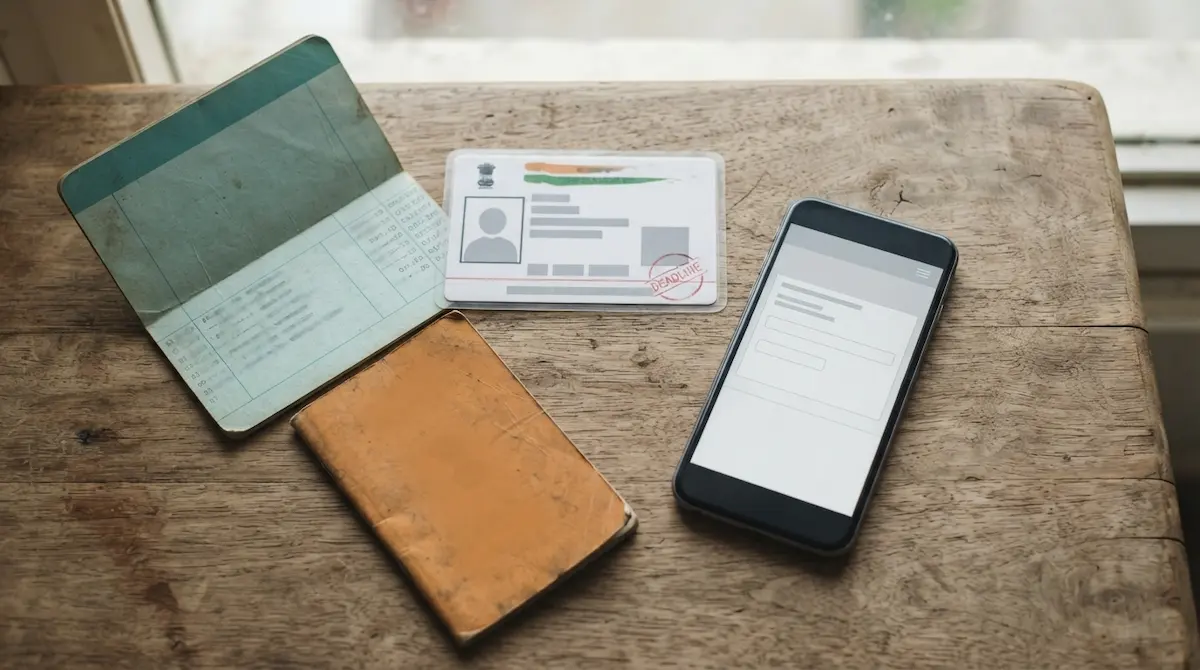
- Keep your Aadhaar, bank passbook, mobile number, and application details ready before visiting the bank or help center.
Final Answer
If your Ladki Bahin payment SMS came but the balance is zero, the safest explanation is usually payment processing delay, wrong account checking, inactive NPCI mapping, or a bank-side update issue. First check the correct DBT-enabled account, then verify NPCI Aadhaar mapping with your bank. Do not click unofficial links or submit duplicate applications without confirming the real payment status.